Is Shopify Still the Best Choice for Beginners in 2026?
Shopify is still the safest starting point for most first-time store owners in 2026, but cost creep, payment fees, and app dependency mean it isn't automatically right for everyone. Here's the honest breakdown.

Talal Emran
Web Developer & Designer
Published
14 min read
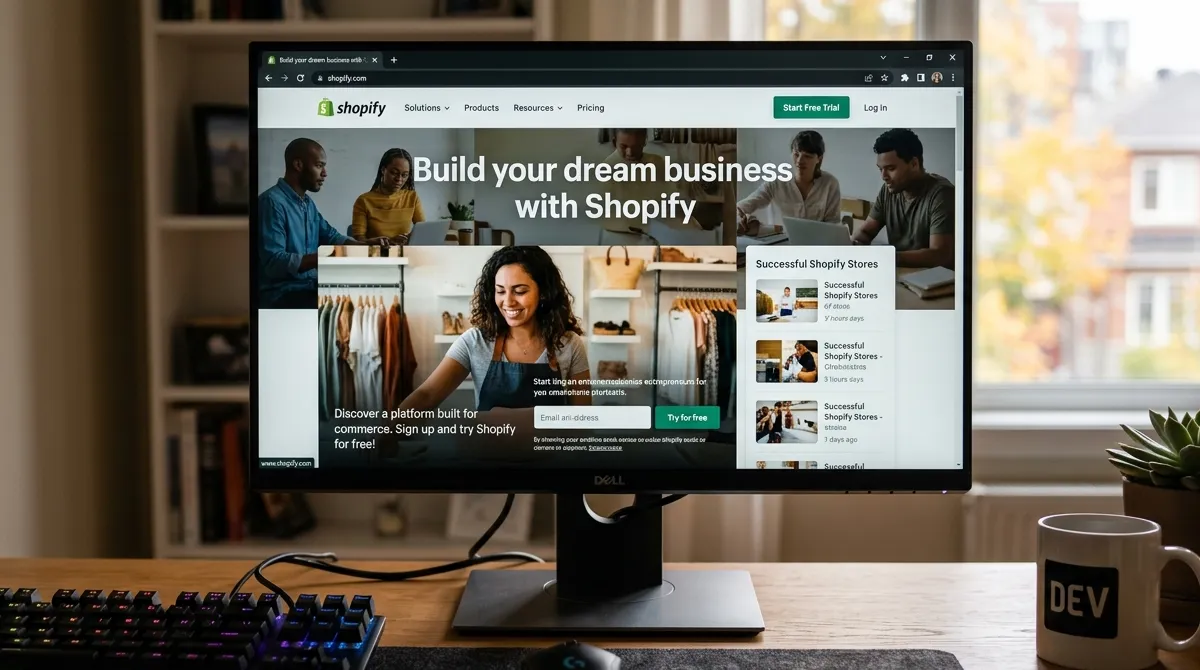
Every year, a new “Shopify killer” gets announced, and every year Shopify stays the default answer when someone asks what platform to use for their first online store. The 2026 version of this question is more interesting than usual, because Shopify has raised prices, leaned hard into AI tooling, and faces real competition from builders like WooCommerce, Squarespace, and the marketplaces that now sell as much as branded stores do.
So is Shopify still the best choice for beginners in 2026? For most first-time store owners, yes — but the gap between “best default” and “best for you” has widened, and the reasons to pause are more concrete than they were two years ago.
This piece goes past the affiliate “best of” lists and looks at what actually happens once a beginner signs up: the real onboarding experience, the real costs after apps and payment fees, and the specific situations where a different platform quietly does the job better.
How We Evaluated This
The conclusion below is built on three filters, the same ones we apply to every platform recommendation on UpNorthHub:
- It has to reflect 2026 reality, not 2021 muscle memory. Pricing, AI features, and fee structures have all changed. Recommendations based on what was true at launch three years ago are actively misleading now.
- It has to account for total cost of ownership, not just the sticker price. Beginners consistently underestimate what they pay once apps, transaction fees, and theme upgrades enter the picture.
- It has to name who should not use the platform. A recommendation that’s correct for everyone is correct for no one. The useful answer explains when to walk away.
Where a figure is approximate or changes frequently — Shopify’s plan prices and payment fee tiers are the obvious culprits — we say so explicitly, because baking a stale number into a margin model is how beginners get burned.
The Short Answer
Shopify is still the best starting point for the majority of first-time store owners in 2026, for the same reason it has been for years: it removes the most failure-prone parts of launching a store — hosting, security, checkout, and payment infrastructure — and lets a beginner go from zero to a functioning, professional storefront in a day. Its checkout (Shop Pay) converts better than almost anything else available to a non-developer, and in a market where cart abandonment runs above 70% industry-wide, that conversion advantage is worth more than a long feature checklist.
But “best default” is not “best for everyone.” If you’re on a tight budget and can’t absorb app and payment fees, if you’re a developer who wants full control, or if you’re selling primarily inside a marketplace or social channel, the math can flip. The rest of this article is about knowing which side of that line you’re on.
Why Shopify Still Wins for Most Beginners

Onboarding That Removes the Scary Parts
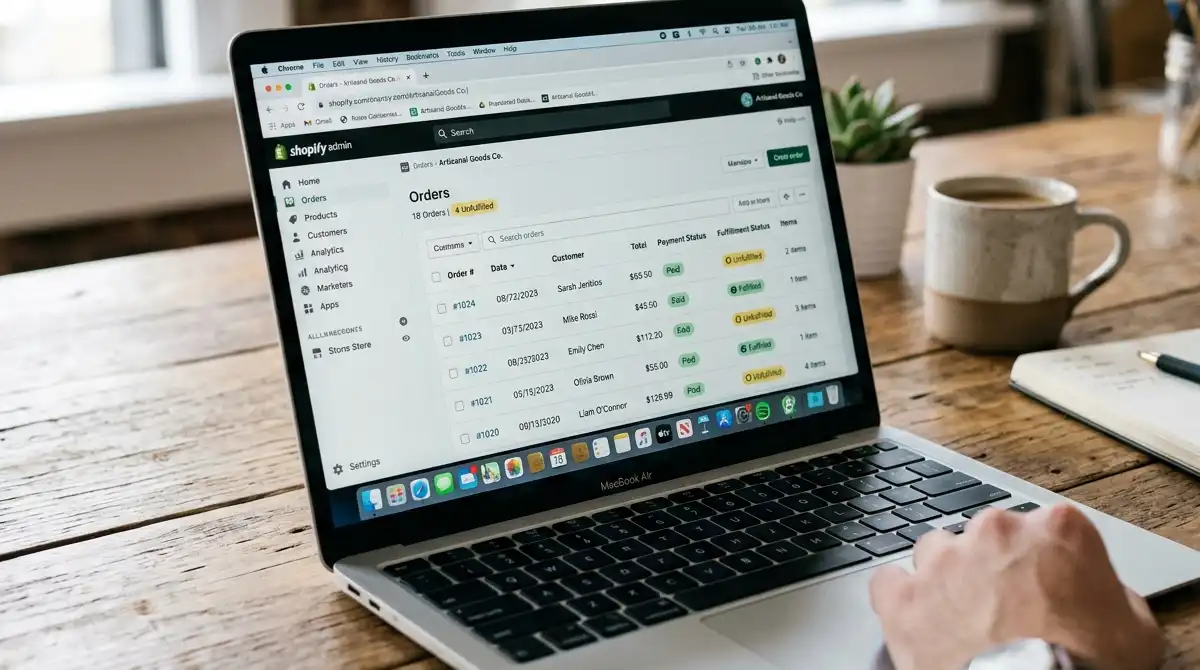
The single biggest reason beginners choose Shopify isn’t a feature — it’s the absence of a certain kind of fear. You don’t have to pick a host, configure a server, worry about SSL certificates, or patch security vulnerabilities. You sign up, pick a theme, add products, and you have a store. For someone whose main risk is never launching at all, that friction removal is the whole game.
Shopify powers more than four million stores and accounts for a meaningful double-digit share of US e-commerce — over 14% by most recent estimates. That scale isn’t just a vanity metric. It means tutorials, freelance help, and app integrations are abundant, so when a beginner gets stuck, the answer is almost always a search query away.
Shopify Magic and the AI Layer
In 2026, Shopify’s built-in AI (“Shopify Magic”) writes product descriptions, generates email copy, builds basic store sections from prompts, and answers storefront questions. For a beginner with no copywriting background and no budget for a freelancer, this closes a real gap. It won’t replace a brand voice, but it removes the blank-page paralysis that stops a lot of first stores before they start.
Checkout Conversion Is the Quiet Advantage
This is the part most “best platform” comparisons underweight. Shopify’s hosted checkout, and Shop Pay specifically, converts at rates that beat typical self-hosted checkouts by a wide margin. Given that cart abandonment averages over 70% across e-commerce, the platform that loses the fewest shoppers at the final step is doing more for your revenue than a platform with a marginally cheaper subscription.
A beginner rarely thinks about checkout conversion on day one. They should, because it’s the difference between a store that feels broken and a store that quietly prints sales.
The Ecosystem Does the Heavy Lifting
Need reviews, subscriptions, upsells, loyalty, SEO audits, or tax automation? There’s an app. The downside of that (covered below) is real, but the upside for a beginner is that almost any gap is fillable without writing code. The theme marketplace similarly means a non-designer can ship a store that looks intentional.
The Real Cost of “Simple”
The subscription price is the easiest number to find and the least representative of what you’ll pay. Here’s a realistic breakdown for a beginner on Shopify in 2026.
| Cost Component | What to Expect | Notes |
|---|---|---|
| Monthly plan | Entry tier roughly $39–$50/mo; mid tier ~$105/mo | You’ll likely outgrow the cheapest tier within months once you need apps or reports |
| Transaction fees (off Shopify Payments) | ~0.5%–2% per order | Avoidable only by using Shopify Payments, which isn’t available in every country |
| Payment processing | ~2.4%–2.9% + fixed fee | Standard across processors; not unique to Shopify |
| Apps | $0–$200+/mo | The most common source of budget overrun |
| Theme | Free, or $100–$400 one-time | Paid themes aren’t required but most serious stores buy one |
Two things to internalize. First, if you don’t use Shopify Payments, you pay an extra transaction fee on every order on top of processing — a meaningful tax on beginners who can’t access Shopify Payments in their region or who want to keep an existing processor. Second, the app stack is where simple stores quietly become $150–$300/month operations. None of that is a reason to avoid Shopify, but it is a reason to budget for it before you commit rather than after.
“The plan price is the bait. The total cost of ownership is the meal. Beginners who only compare subscription stickers are comparing the wrong number.” — common refrain among e-commerce consultants we spoke with
Where Shopify Falls Short for Beginners
Being the best default doesn’t make Shopify flawless. These are the four weak spots that matter most for newcomers.
Cost Creep Is Real
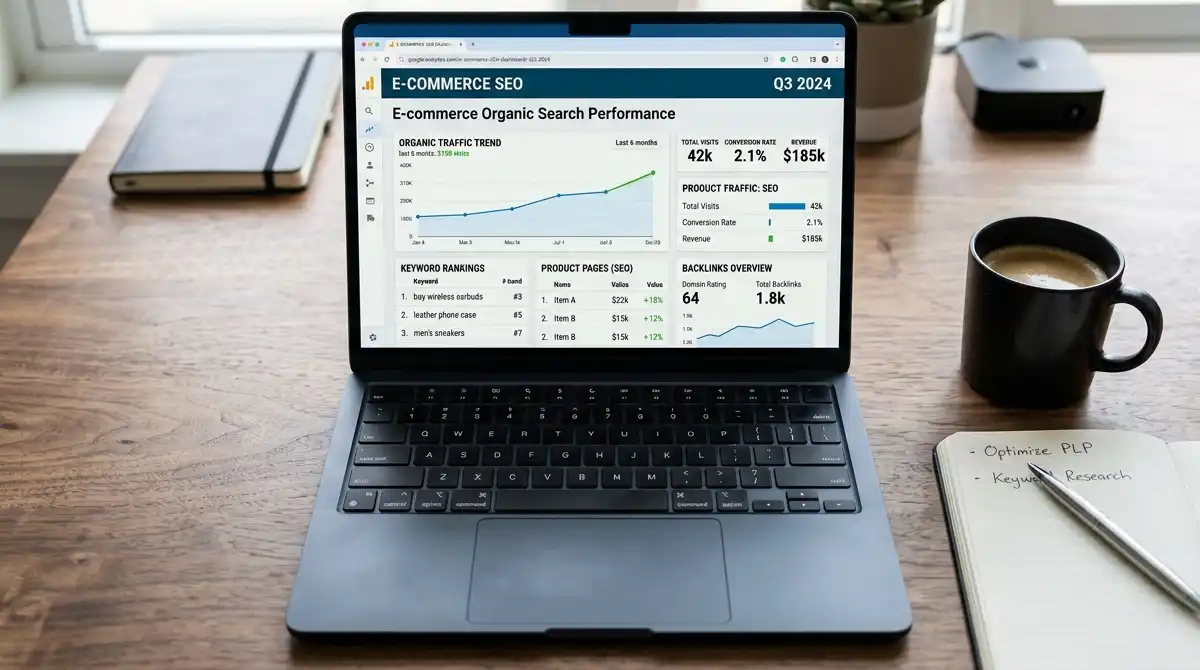
The jump from the entry plan to the plan you actually need is rarely just a few dollars. Once you add a reviews app, a subscriptions app, an upsell app, and a tax/compliance tool, you’re often on a mid-tier plan paying for both the subscription and the apps. A beginner who budgeted for “$39 a month” can be surprised by a triple-digit monthly bill before revenue justifies it.
Payment Lock-In and Regional Gaps
Shopify Payments is the cleanest way to avoid transaction fees, but it isn’t available everywhere, and it has its own payout holds and approval process. Beginners outside supported regions eat the extra fee indefinitely. Even inside supported regions, tying your processing to your platform is a trade-off worth understanding, not an afterthought.
App Dependency Becomes a Crutch
Almost everything “missing” from core Shopify is solvable with an app — but each app is another monthly cost, another thing to configure, another potential point of failure or speed penalty. Beginners can end up managing a small portfolio of subscriptions instead of a store. The platform that felt simple at launch can feel like plumbing by month six.

Content, Customization, and Lock-In
Shopify’s blogging and content tools are serviceable but weaker than a true CMS. If your strategy depends on long-form content, SEO-driven articles, or deeply custom page layouts, you’ll hit the ceiling faster than expected, and customizing beyond the theme often means learning Liquid or hiring help. And while you can export your data, the practical effort of moving a mature store to another platform is real — so the “easy to leave” promise is more theoretical than beginners assume.
The Alternatives, and When They Beat Shopify

Shopify wins by default, but it loses on specifics. Here’s where the main alternatives actually make sense in 2026.
- WooCommerce — full ownership and unlimited flexibility on WordPress, but you manage hosting, security, and updates yourself. Best for technical founders or anyone who already runs a WordPress site and wants content + commerce in one place.
- Squarespace — stronger native design and built-in blogging than Shopify, with simpler all-in-one pricing. Best for creators and small brands where the website and the store are the same project and heavy app stacks aren’t needed.
- BigCommerce — better for complex catalogs, B2B, and multi-currency needs without app sprawl. Best for stores that will outgrow a simple catalog quickly.
- Wix / Wix Studio — drag-and-drop design freedom for visual brands. Best for portfolio-style stores where aesthetics lead and operations stay light.
- Ecwid / Square — lets you add a buy button to an existing site or sell in person. Best for businesses that already have a presence and want commerce as a feature, not a destination.
- Marketplaces (Amazon, Etsy, TikTok Shop) — built-in traffic and discovery, at the cost of margin, brand control, and customer ownership. Best for validating demand or riding a trend, not for building an owned brand.
| Platform | Best For | Beginner Friction | Monthly Floor (approx) |
|---|---|---|---|
| Shopify | Most first-time store owners | Low | ~$39–$50 |
| WooCommerce | Technical / WordPress users | High (self-managed) | Hosting ~$10–$30 + extensions |
| Squarespace | Content + commerce brands | Low | ~$20–$30 |
| BigCommerce | Complex catalogs / B2B | Medium | ~$39+ |
| Square / Ecwid | Add commerce to existing site | Low | Free tier + fees |
| Marketplaces | Discovery & validation | Medium (competition) | Fees per sale, no sub |
Who Should NOT Choose Shopify
Be honest about which camp you’re in:
- Tightest possible budget, no revenue yet. If $50–$300/month in platform + app costs would sink you before you make a sale, start on a free marketplace or a cheaper all-in-one builder and move later.
- Developers who want full control. If you’d rather own the stack and you’re comfortable with hosting and security, WooCommerce or a headless setup will frustrate you less long term.
- Content-first brands. If your growth engine is publishing and SEO, and commerce is secondary, Squarespace or WordPress+WooCommerce keeps content and store under one roof more naturally.
- Pure marketplace sellers. If your customers live on Amazon, Etsy, or TikTok Shop, building a separate Shopify store first adds cost without adding the audience you actually need.
A Beginner Launch Sequence on Shopify
If you do go with Shopify, this sequence avoids the most expensive beginner mistakes:
- Validate before you pay. Run a waitlist, a pre-order, or a tiny ad test. Shopify’s ease makes it tempting to build first and validate never — don’t.
- Start on the entry plan, but assume you’ll grow. Pick the cheapest tier that includes the reports you need; upgrade the moment an app or feature pays for it.
- Use Shopify Payments if you can. It removes the extra transaction fee and simplifies payouts. Check regional availability before launch.
- Add apps one at a time, reluctantly. Each app should solve a problem you’ve already hit, not one you read about. Review the app bill monthly.
- Fix checkout friction before buying traffic. With abandonment above 70%, a smoother checkout beats more ad spend almost every time.
- Keep your store mobile-first. Mobile commerce is the majority of e-commerce now; a desktop-pretty, mobile-slow store loses the sale where it counts.
Where This Advice Falls Short

To keep this honest:
- Pricing changes. Shopify adjusts plan prices and fee tiers. Any number here should be re-verified on Shopify’s pricing page before you build a budget around it.
- Regional differences are large. Shopify Payments availability, local payment methods, and pricing in your currency vary significantly by country.
- Platform choice is not the main predictor of success. A well-run store on a “worse” platform beats a neglected store on the “best” one. Product-market fit, fulfillment reliability, and customer trust matter more than the logo in your footer.
- This assumes you’re starting from near zero. If you already have an audience, supplier relationships, or an existing site, reorder the sequence — you may skip steps or start on a different platform entirely.
The Bottom Line
Shopify is still the best choice for beginners in 2026 in the only sense that matters: it maximizes the chance a first-time store owner actually launches, looks legitimate, and checks out customers without hiring a developer. Its AI tooling, ecosystem, and industry-leading checkout conversion keep it ahead of the field for the typical newcomer.
It is not automatically the right call. If budget is brutally tight, if you’re technical and want ownership, if content is your growth engine, or if you live inside a marketplace, one of the alternatives above will serve you better — and “better” there is worth more than “most popular” here.
The right move is boring: pick Shopify unless you have a specific, named reason not to. Then validate demand before you spend, use Shopify Payments if you can, add apps only when a real problem appears, and treat checkout conversion as the metric that actually pays your bills.
Official Platform Links
- Shopify — the hosted e-commerce platform discussed throughout this article.
- WooCommerce — the open-source WordPress commerce plugin for full-control stores.
- Squarespace — all-in-one builder with stronger native content tools.
- BigCommerce — platform suited to complex catalogs and B2B.
- Square — commerce that bridges online and in-person selling.
FAQ
Is Shopify still worth it for a complete beginner in 2026?
For most people starting their first store, yes. It removes hosting, security, and checkout complexity, and its checkout converts better than almost any self-served alternative — which matters more than a cheaper subscription when abandonment is above 70%.
What’s the real monthly cost of a beginner Shopify store?
Plan pricing starts around $39–$50/month, but most functioning stores add apps ($0–$200+/mo) and, if they don’t use Shopify Payments, a per-order transaction fee on top of processing. Budget for a triple-digit monthly total once the store is real, not just the entry sticker.
Should I use Shopify Payments?
If it’s available in your country, yes — it removes Shopify’s extra transaction fee and simplifies payouts. Check regional availability and approval requirements before launch, because outside supported regions you’ll pay the fee indefinitely.
Is WooCommerce better than Shopify for beginners?
Only if you’re comfortable managing hosting, security, and updates, or you already run WordPress and want content and commerce together. For a non-technical first-timer, WooCommerce’s flexibility comes with friction Shopify hides.
Do I need paid apps to run a Shopify store?
No, but most growing stores add at least a few — reviews, subscriptions, or tax tools. Add them only when a real problem appears, and audit the app bill monthly so costs don’t creep past the value they return.